Point the camera phone connection
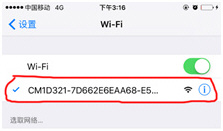
Enter the phone settings where
Wi-Fi signal inside, find the signal (this is the machine UID number is unique
to each machine) and connected. as the picture shows
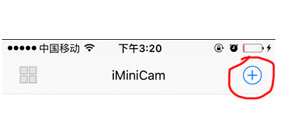
Then open the phone APP (IMINICAM) appears as shown in the figure, this signal is the machine's UID UID of each machine is different, even after clicking on the plus sign shown above to add into the camera as shown below.
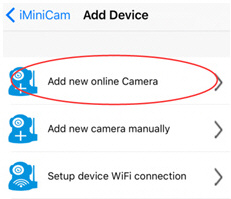
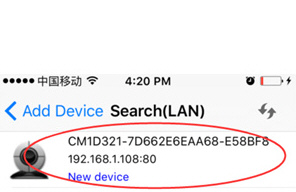
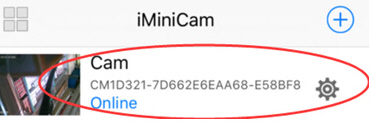
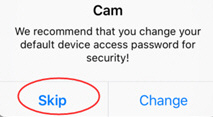
Click to go online camera appears as shown, click Skip to watch videos.