Camera remote settings
In point can watch video, return to the previous enter the interface shown
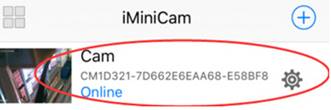
Click on the small gear  Enter Advanced
configuration shown below
Enter Advanced
configuration shown below


Find the installation location of the signal router, configure the camera to enter a password into the router as shown below.
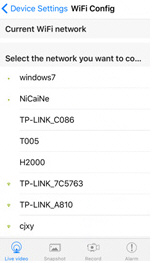
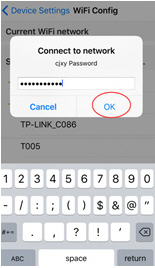
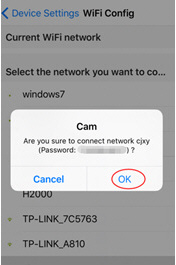

OK, wait for the camera to complete restart, it takes about 40 seconds. Online from the camera will turn off, then you can remotely access, and when the phone Wi-Fi and cameras in the same network which is a local area network, or any other phone connected to the 4G Wi-Fi cell phone signal APP will automatically reconnect the camera after a successful connection You can watch the video.
1) Download the computer client by downloading the address http://112.124.40.254:808/PCTools.zip and install

2) Click on the successful installation will appear as shown in Figure Desktop login box appears. (See below)

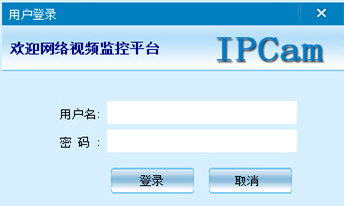
Enter the user name (admin) Click login (Note: The original user name is admin without a password).
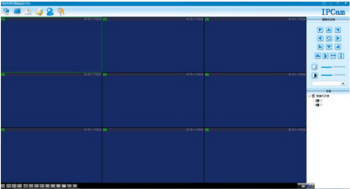
Enter 

Enter 
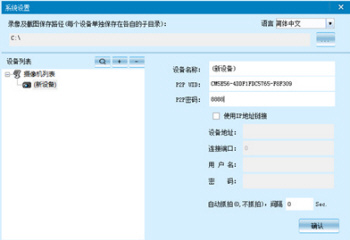
Enter 
Enter 